One event
$50per event
Everything you need for one invitation, from the first design to the last reply.
Plan one event
Invitations, pressed with care
Design a botanical invitation in minutes, share one link, and watch the replies arrive - no printer, no postage, no spreadsheet.


Hi, I'm Invi! Let's make something lovely.
See one for yourself
This is an example invitation, exactly as it arrives on a guest's phone. Tap the wax seal, then tap the card to hold it up close.
Every guest gets their own link, and their envelope arrives with their name on the front.
The schedule, dress code, a map and your registry ride out behind the invitation.
Guests answer just below the card, naming everyone they are bringing.
Example invitation
Every invitation comes with the whole kit, from the first brushstroke to the last thank-you note. Here is what that covers.
Part 01
Start from a painted design or your own artwork, then make every detail yours.
Weddings, birthdays, baby showers, dinners, holidays, galas and more, each painted with room for your wording.
Bring your own artwork. You get the size, a template and a proof with the safe area drawn on.
Pick typefaces for the title, hosts and details, plus a divider and a small motif.
Smooth, felt, foil shimmer or vellum stock, with confetti or sparkle as the card opens.
Choose the envelope colour, a printed liner, a stamp, and a seal in six shapes and ten waxes.
A second card for the schedule, dress code, a map and up to four links, like your registry.
Part 02
Build the list however suits you, then send each guest an envelope with their name on it.
Paste names, import a CSV or Excel file, or pick people from Google Contacts.
Address a couple or a whole family as one invitation, with a seat for everyone named.
Every envelope arrives addressed by name, and you can see who has opened theirs.
Invitations go out from Invited, and when a guest replies to the email it lands in your inbox.
A postcard with its own link, sent to the people you pick before the invitation is ready.
Save the card as a 6 × 8 in PDF to print or share, with the lettering kept sharp.
Part 03
Every answer lands on one guest list, with the headcount worked out for you.
Ask up to eight questions: meal choice, dietary needs, whether the kids are coming.
Guests name each person they bring and mark adults and children, so the count is real.
Set a deadline, and a reminder goes to anyone who hasn't answered. A note the day before goes to everyone coming.
Changed venue or parking? Email everyone at once, or only the guests you pick.
See who is coming, who opened and who is quiet, with open and reply rates over time. Mark a whole table as attending when they won't reply online.
Invite up to three people to manage the invitation and guest list with you.
Part 04
The invitation keeps working once the doors open, and long after the last guest leaves.
Draw your room, set out tables and seat everyone coming, then download it as a PDF.
Guests carry a pass to scan at the door. You, a cohost or a helper ticks them off and counts walk-ins.
From the day of the event, guests add photos to one album. Download it all, or copy it to Google Drive.
Guests leave a short note under the invitation for you to keep.
Log each gift as it arrives, then write and send a thank-you note from the same list.
Guests add the event to Google, Apple or Outlook. You download the guest list as CSV or Excel.
Painted cards for every kind of gathering, each with a blank centre where your wording sits.
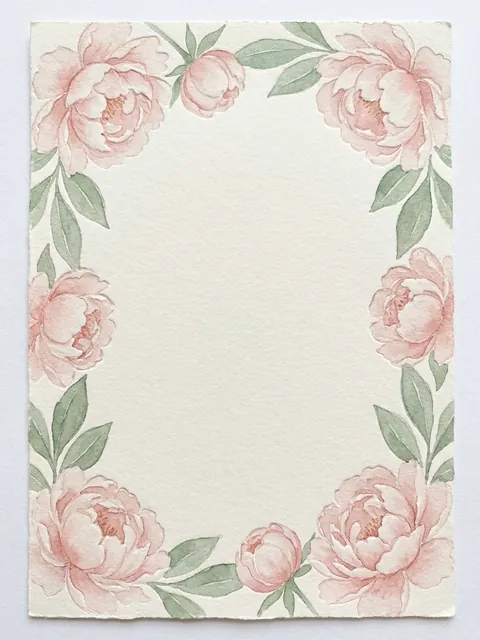
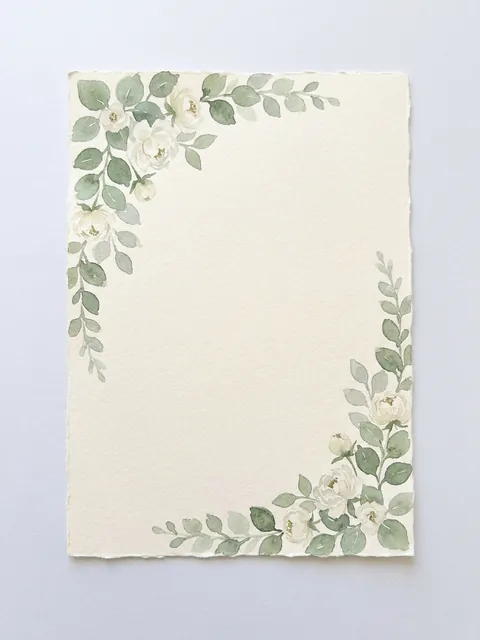
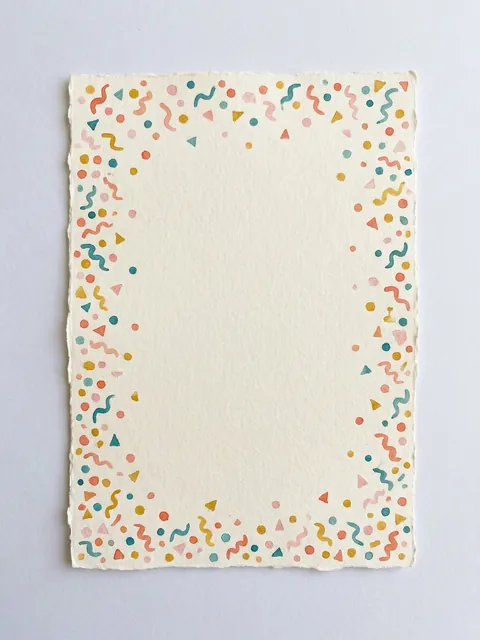



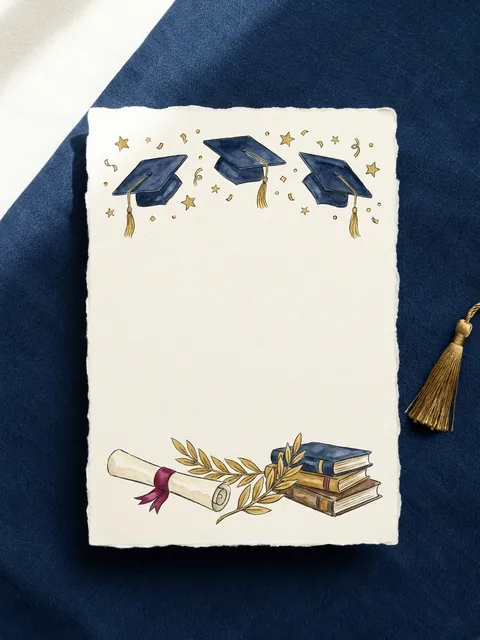
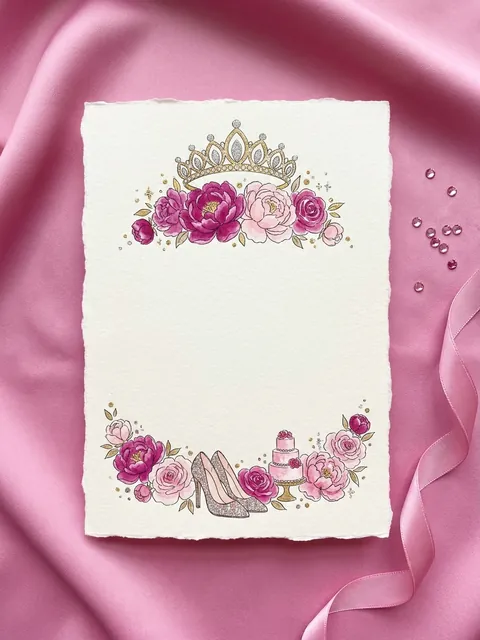
Title, host, date, time, place and a personal message.
Copy one short link and send it by text, email or chat.
See who is coming and how many seats to set.
Works with Claude and ChatGPT
Connect Invited to Claude or ChatGPT and it can list your invitations, sum up the replies, read your guest list and add guests. It never sends email or changes a card.
Pricing
Pay for a single celebration or for the whole year. Either way nothing is held back: every design in the library and every feature is yours.
One event
$50per event
Everything you need for one invitation, from the first design to the last reply.
Plan one eventUnlimited
$200per year
As many invitations as you like for a full year, for every birthday, dinner and holiday you host.
Go unlimited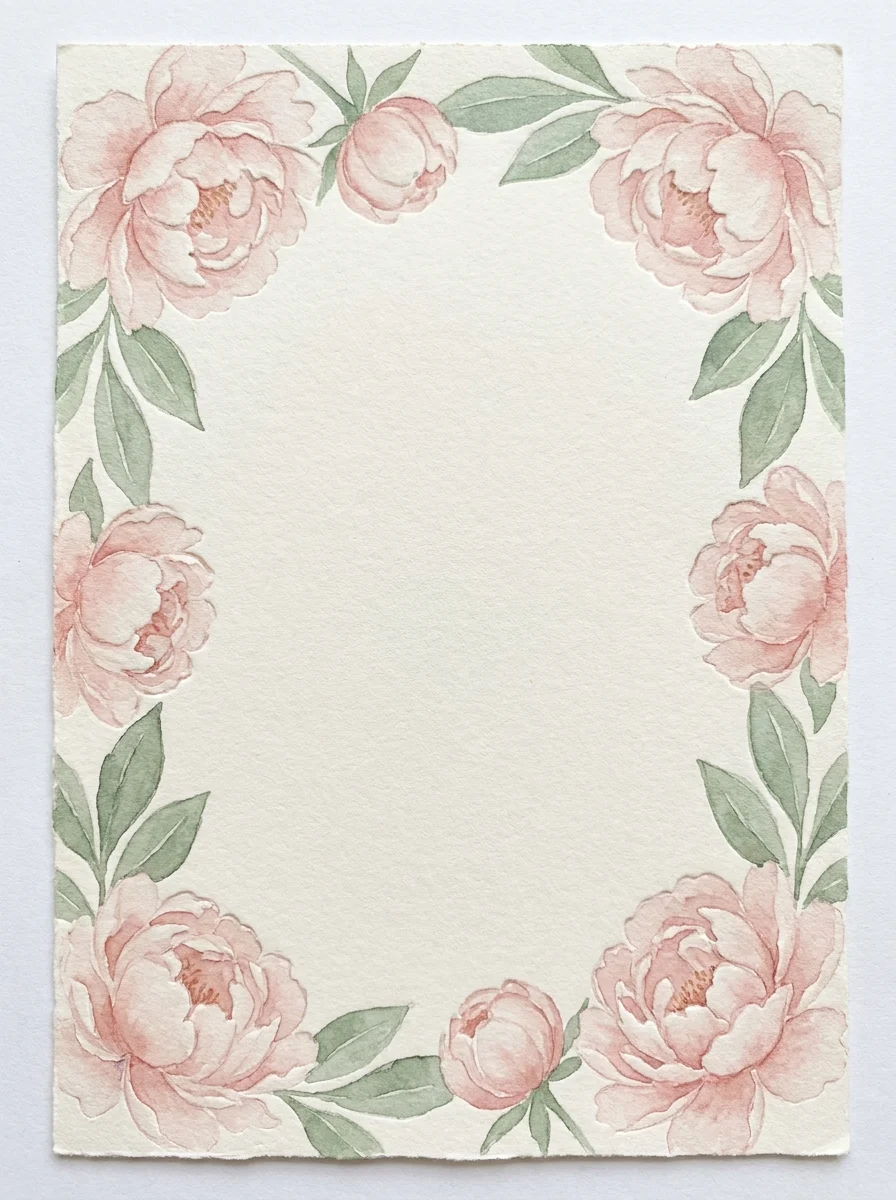
You're invited
Hosted by June & Marcus Bell
Saturday, June 12 at 6 in the evening
The walled garden behind the house
Addressed to Maya & Tom Okafor
Tap the seal to open